
How Examly works

From “I need a test on bonding” to a finished paper in one sitting.

Examly turns a bank of SQA questions into a resource that is ready to use with your class. Here is the whole journey, in five steps.

The paper builder: questions grouped by unit with a tick on each one already chosen, and the paper’s own list of questions below.

1

Step 1: Find relevant SQA questions

Browse by unit, search by keyword, or narrow the bank with filters for unit, time, year, difficulty and question type. Choose National 5 or Higher Biology, Chemistry or Physics.
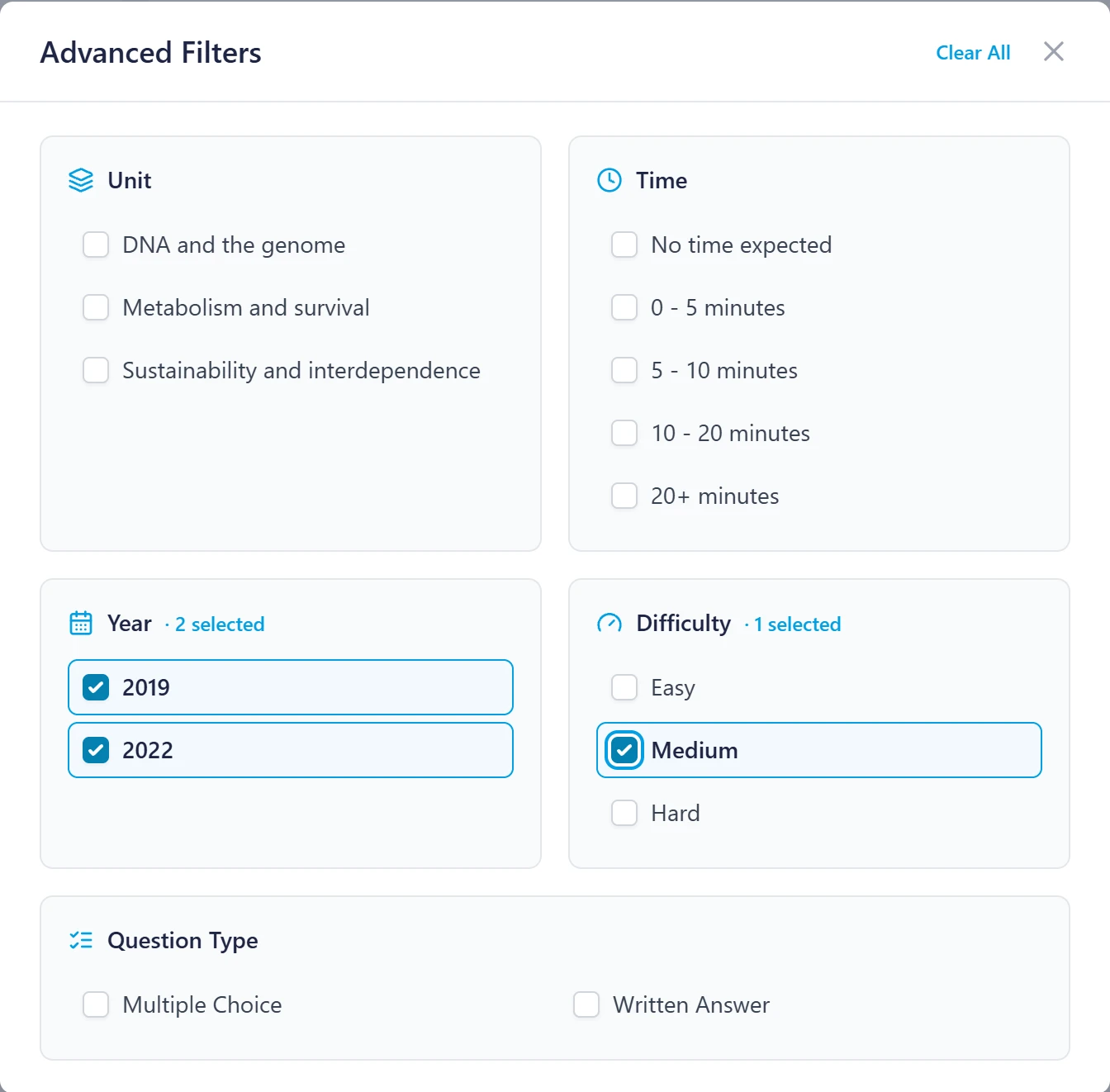
The Advanced Filters panel with unit, time, year, difficulty and question type options.

2

Step 2: Preview the question and its marking instructions

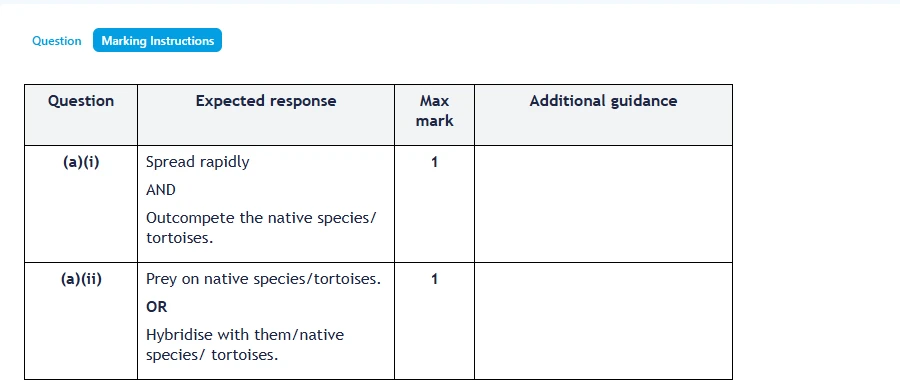
Open a question in your paper to see it as it will print, with its marks, time, unit and topic. Switch to the Marking Instructions tab to see how it is marked.

A question preview showing a Higher Biology question on invasive species, with its unit, marks and time.
The marking instructions for the same question, as a table of expected responses and marks.

3

Step 3: Select questions and build your resource

Create a paper with a title and a subject, then add questions with the purple + on each card. Your paper’s list keeps a running total of marks and time.
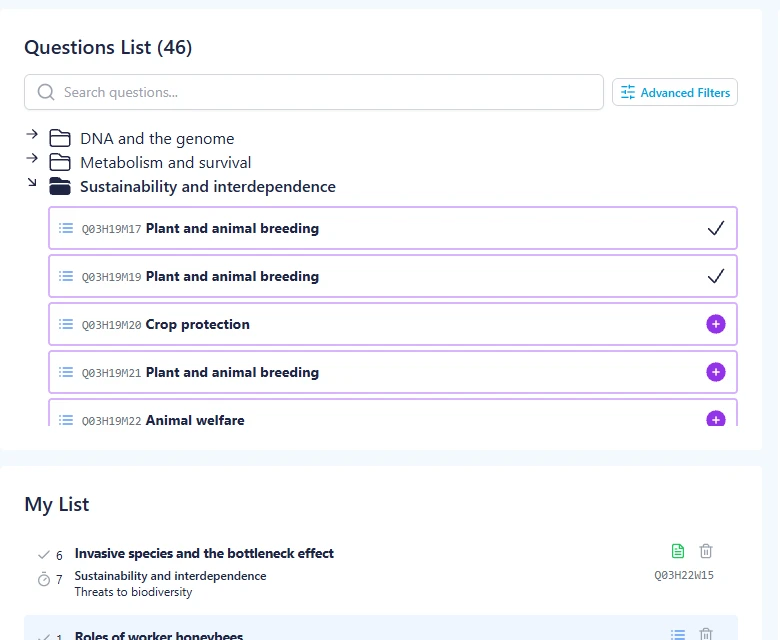
The paper builder: questions grouped by unit with a tick on each one already chosen, and the paper's own list of questions below.

4

Step 4: Customise the paper

Edit the title, sub-title and description. When you export, choose whether your name appears on the cover. Your school’s logo and name are added for you.
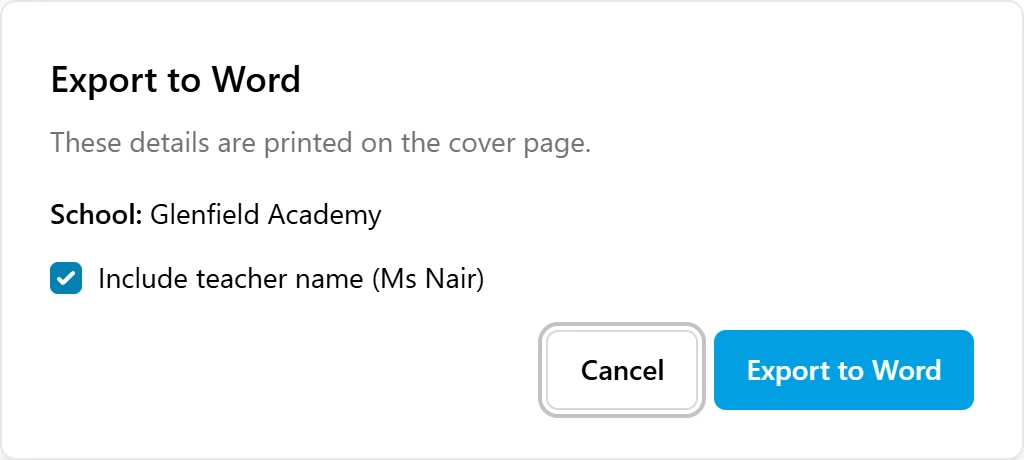
The Export to Word dialog showing the school name and an option to include the teacher's name on the cover page.

5

Step 5: Export a professional Word document

Choose the paper, the paper with marking instructions, or the marking instructions on their own. You get a properly formatted Word document, ready to print or to edit further.
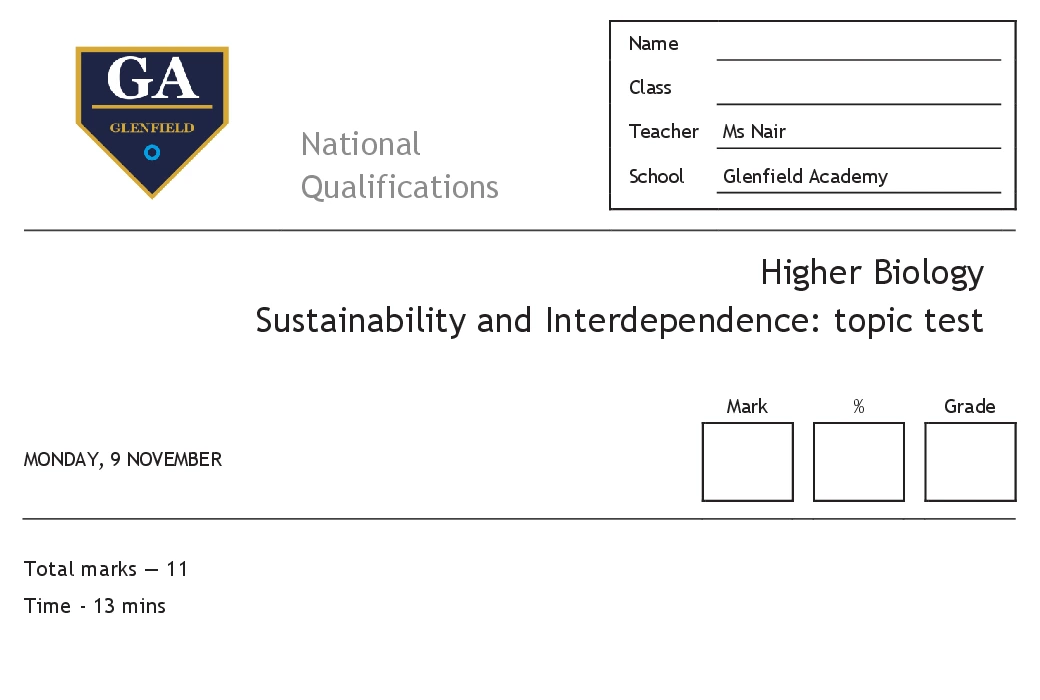
An exported Word cover page with a school crest, teacher, school, title and boxes for mark, percentage and grade.
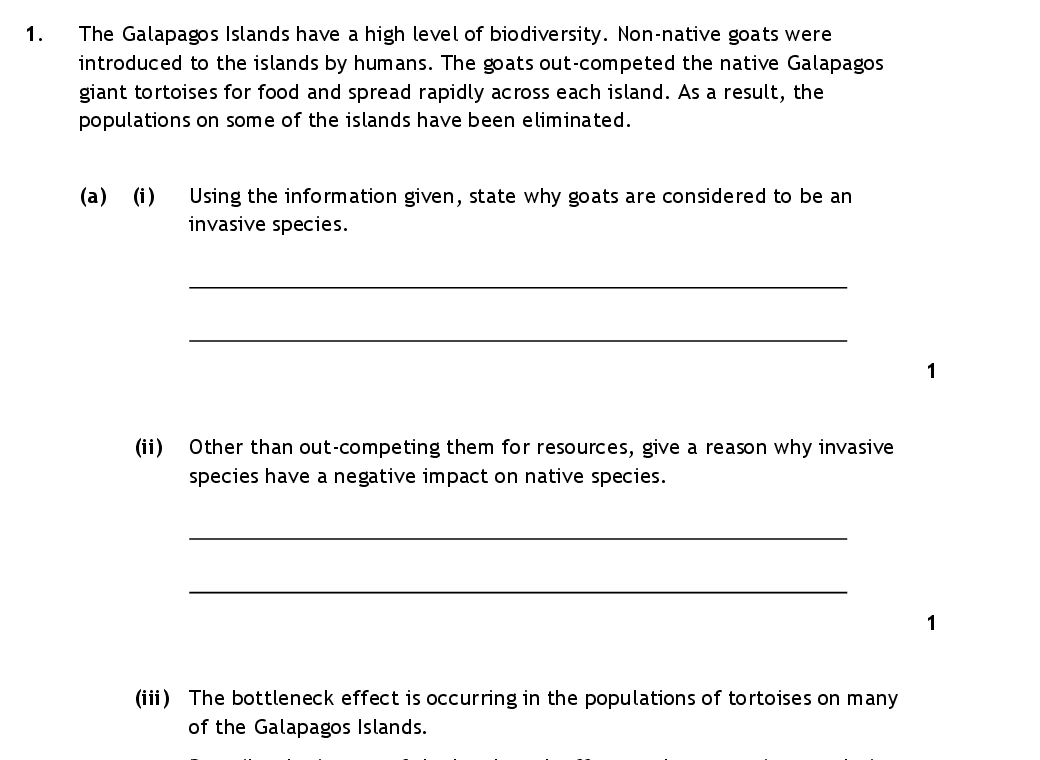
An exported question page: a multi-part written question with answer lines and marks.

All screens and documents are real Examly captures of questions from the question bank, shown with a sample school.

After the export

Share it, favourite it, reuse it.

Share with colleagues

Share a paper with your school so colleagues who teach the subject can view and download it.

Keep favourites

Favourite the papers you use most, and find them again in My Favourites.

Reuse and adapt

Copy a paper into My Papers and adjust it for the next class or the next term.

New to Examly?

Common questions

Examly is licensed by school, and a school administrator gives teachers access to the subjects they teach. Book a demonstration or see how pricing works to get started.

A Microsoft Word document: the paper, the paper with its marking instructions, or the marking instructions on their own, with a cover page showing your school’s logo and name.

The Help centre has short guides for each stage above.

Ready to build your next assessment in minutes?

See Examly in action, or ask about access for you or your school.

Already using Examly? Log in